Your Krewmi product guide
A project, a useful draft, and a human who knows what good looks like.
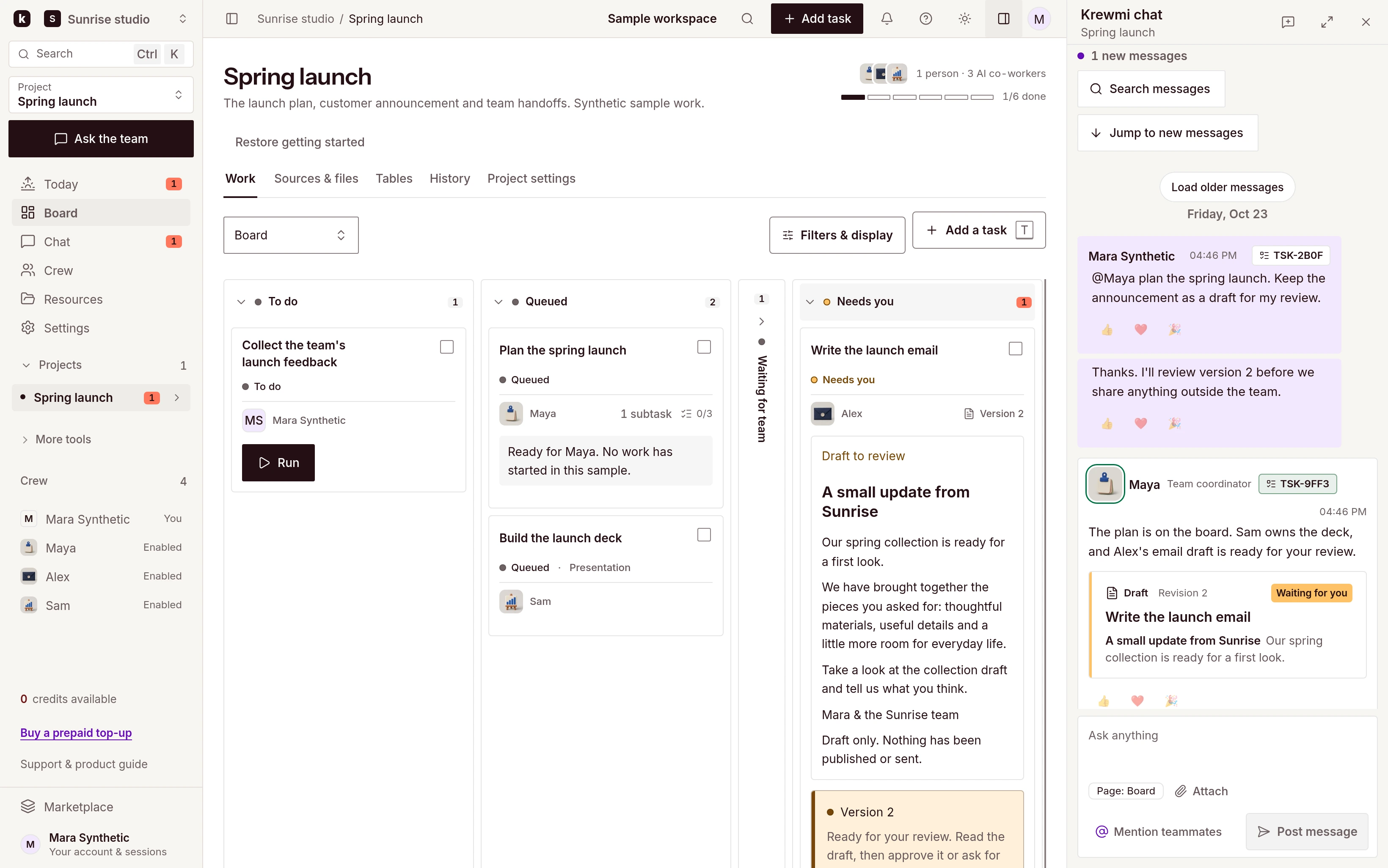
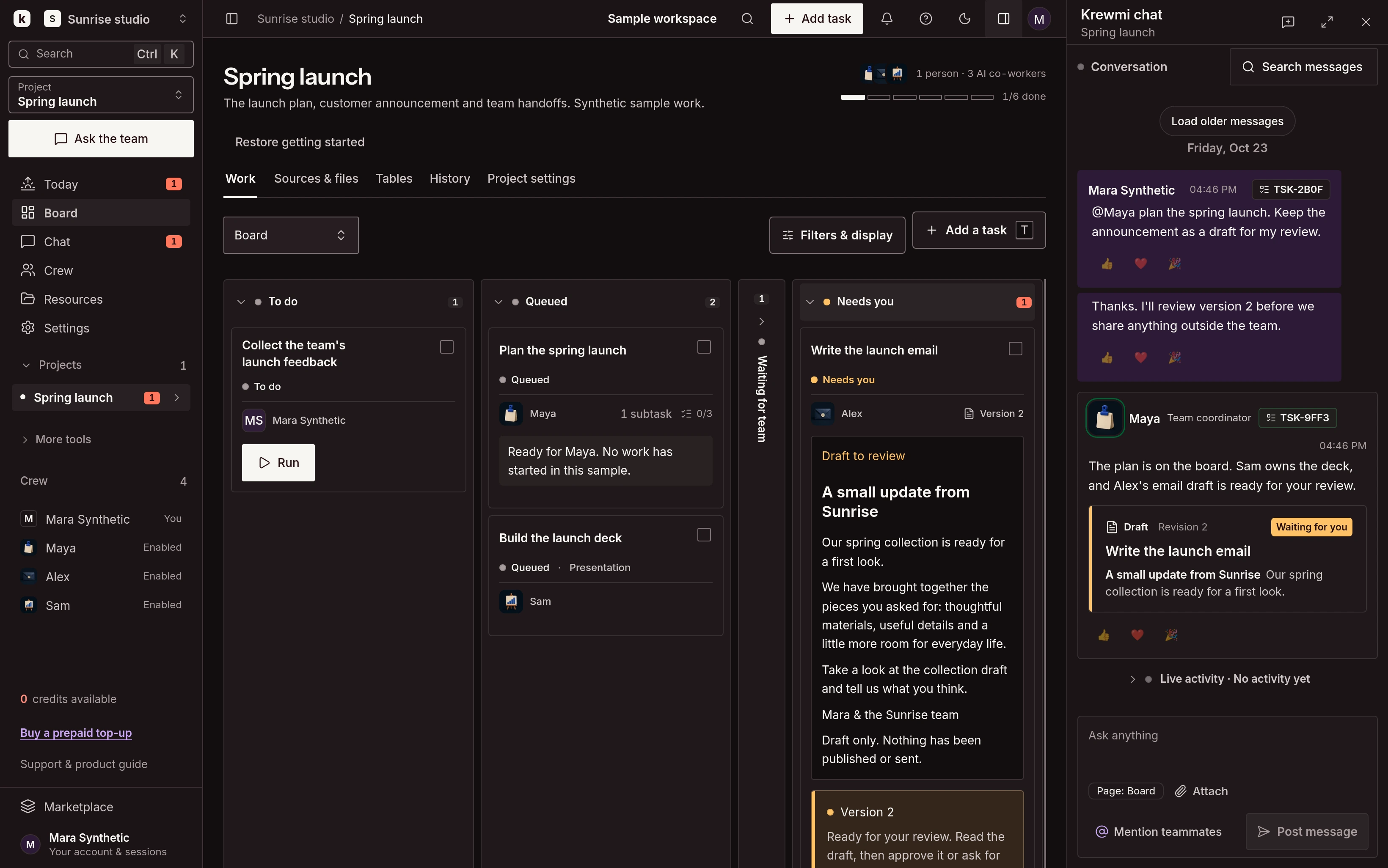
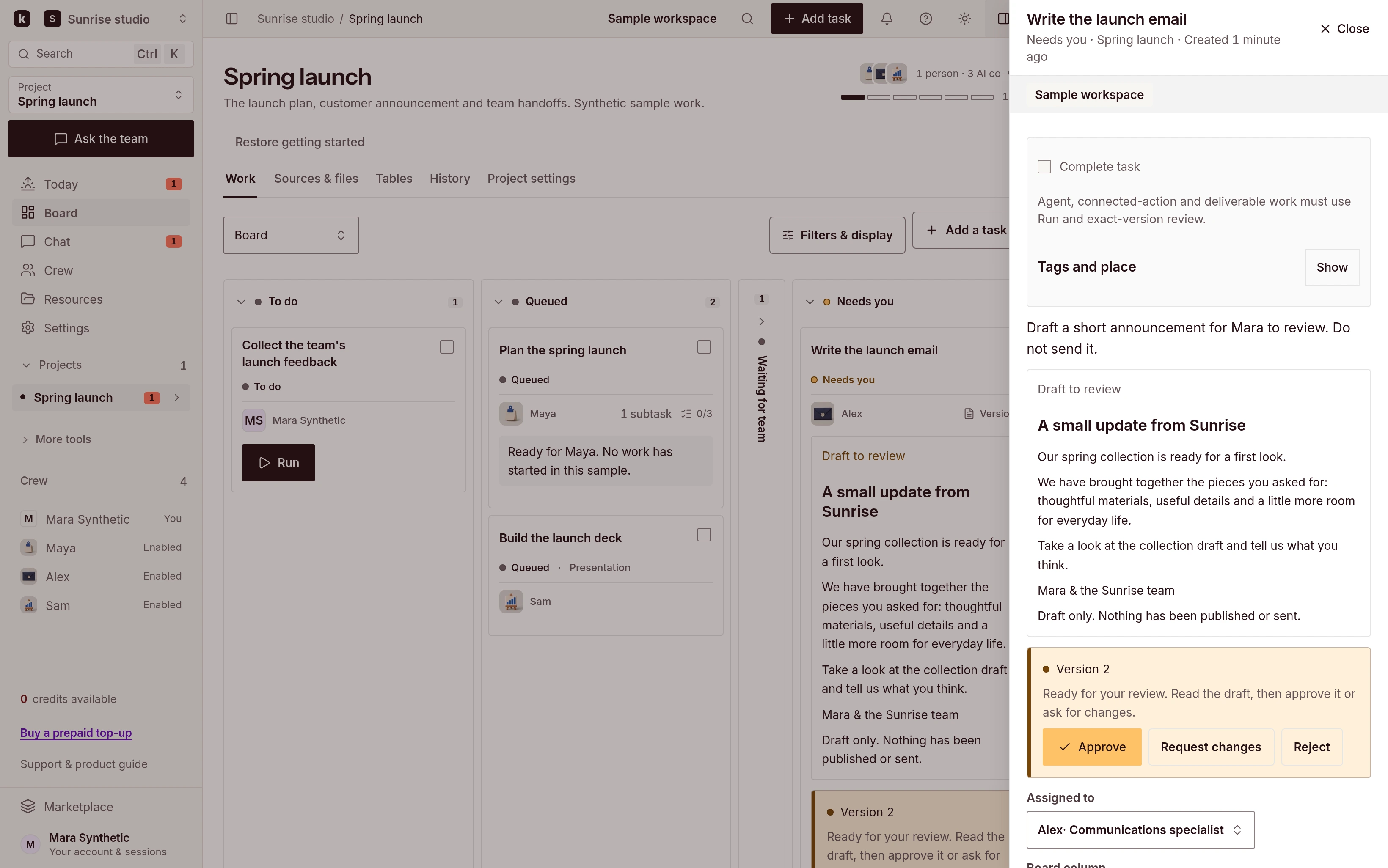
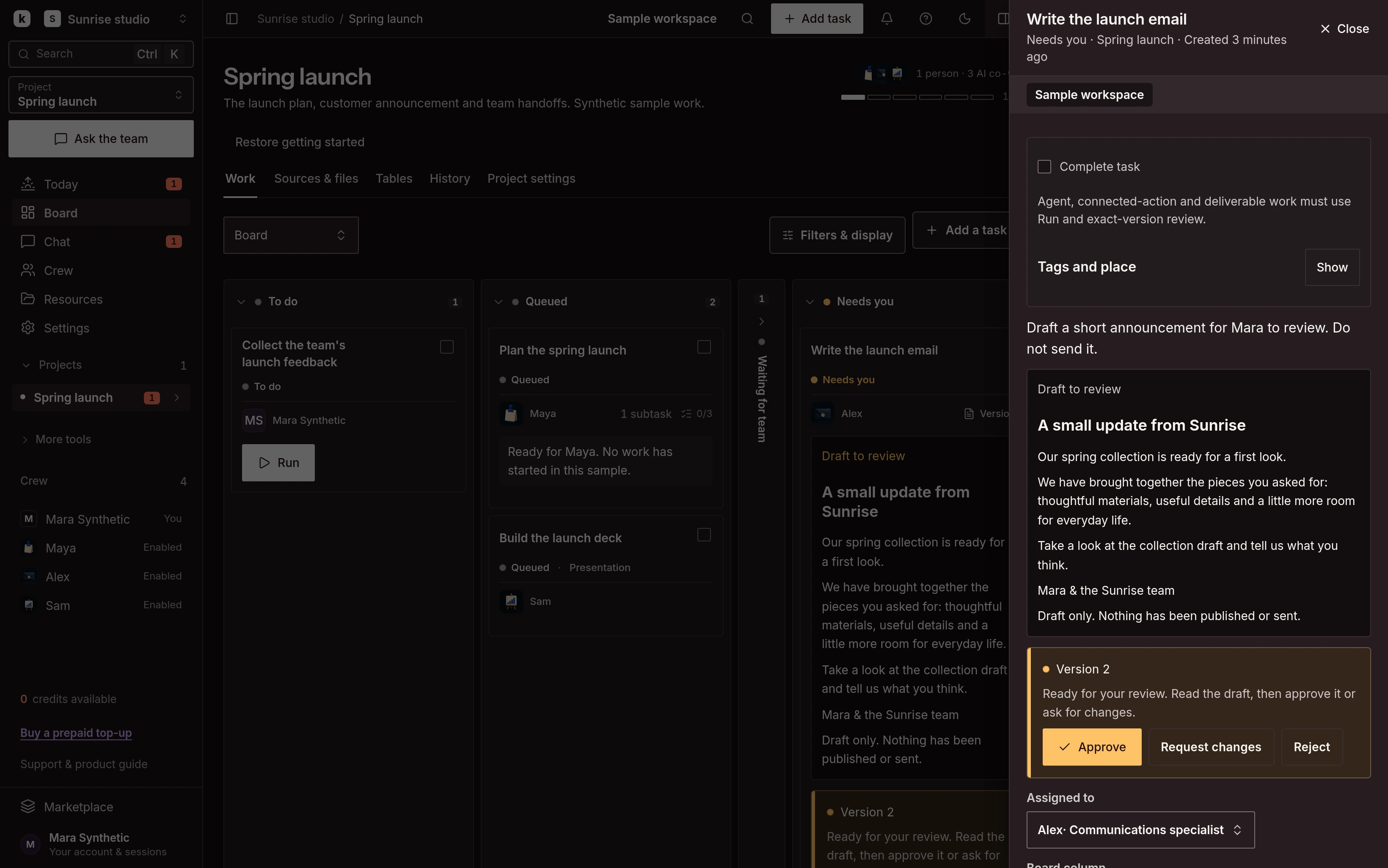
Illustrative interface examples, not customer data.
Give tasks an accountable home
- Create a workspace. The starter team is optional; you can customize each co-worker’s instructions and permitted operations.
- In Settings & usage, create a project with a goal, participating people/co-workers and an accountable human.
- Use Add task on the project board. Provide the facts the team needs, choose the operation and assignee, and add checklist steps.
- Run queues co-worker work; it does not mean the result has been delivered. Follow the board status and task history.
Use the board’s search, filters and grouping to find tasks. Selecting a task is bulk selection, not completion. Human-owned drafts need an explicit completion action.
Every workspace Chat message routes to the mentioned co-worker or the workspace’s lead/default co-worker. When routing and an AI provider are available, it creates a task, starts work and posts a task link. Today’s composer opens Chat; it is not a separate task editor.
Choose sources deliberately
Add project sources and ask the accountable human to approve them. Select sources for each task; changed or removed sources require another review before execution or approval.
Never put passwords or tokens in chat. Use the dedicated secure prompt when one is requested. A preview does not prove that a co-worker has understood a source’s contents.
Approve the exact deliverable
Open a task, answer questions, edit its deliverable, or request changes. The project’s accountable human reviews the current output revision. Editing invalidates a previous approval.
Nothing goes to a new recipient without your approval. Standing approvals cover repeat sends to people you have already approved. Standing approvals and Turbo do not bypass current grants or budgets.
Draft approval and external delivery are different. Connected email, calendar and presentation actions require a valid authorized connection. Task history and provider receipts show the recorded outcome.
An uncertain delivery must be checked in the connected account. Record reconciliation with evidence; never resend an action whose result is unknown.
Permission is not a job title
Administrators manage members, co-workers, projects, connections and billing. Workers participate in their authorized projects. A team title such as CEO does not grant Administrator permission.
Invite links expire and can be revoked. Use Account & sessions to change your password or sign out another session. Password reset and verification email require an operator-configured mail service.
Configured services and safe recovery
Co-worker generation needs configured AI providers, current permissions and available work credits. Recurring work needs the dedicated worker; closing the browser is not a scheduler. Pause blocks new work; Stop fences active work and waits for acknowledgement. Restore and resume do not replenish budgets.
Connected actions need the correct connection and project grant. Google connections are not offered at this stage. Paid plans are not open yet, so nothing can be bought and no card is charged. If a service is unavailable, retain your draft and ask the workspace administrator or the operator; repeatedly clicking cannot enable a missing service.
Provide a task ID and the visible error for support, not passwords, tokens, customer documents or full mailbox content. Workspace export and deletion are administrator-only; review the consequences and confirmation before deleting.
Support
Support is best effort, with no SLA. We aim to reply within two business days, Monday to Friday, 10:00 to 16:00 Warsaw time.