Private pilot. By invitation.
Pilot access is arranged by invitation. Review access, usage and payment details below.
What the pilot includes
Invite-only pilot · Paid plans not open · No charges
- Access
- By invitation
- Pricing and included work are shared with your pilot invitation; there are no public paid tiers to choose from.
- Work credits
- One per attempt
- One credit per agent attempt; an explicit retry needs another. Saved results stay available when credits run out.
- Payment
- Not open yet
- Nothing can be bought and no card is charged. Ask the operator about additional pilot credits.
- Billing
- Operator-managed
- Live billing is not available.
- Refunds and tax
- Do not apply
- Refunds, disputes, tax and proration do not apply while nothing is sold.
- Support
- Best effort
- Support during the pilot has no SLA.
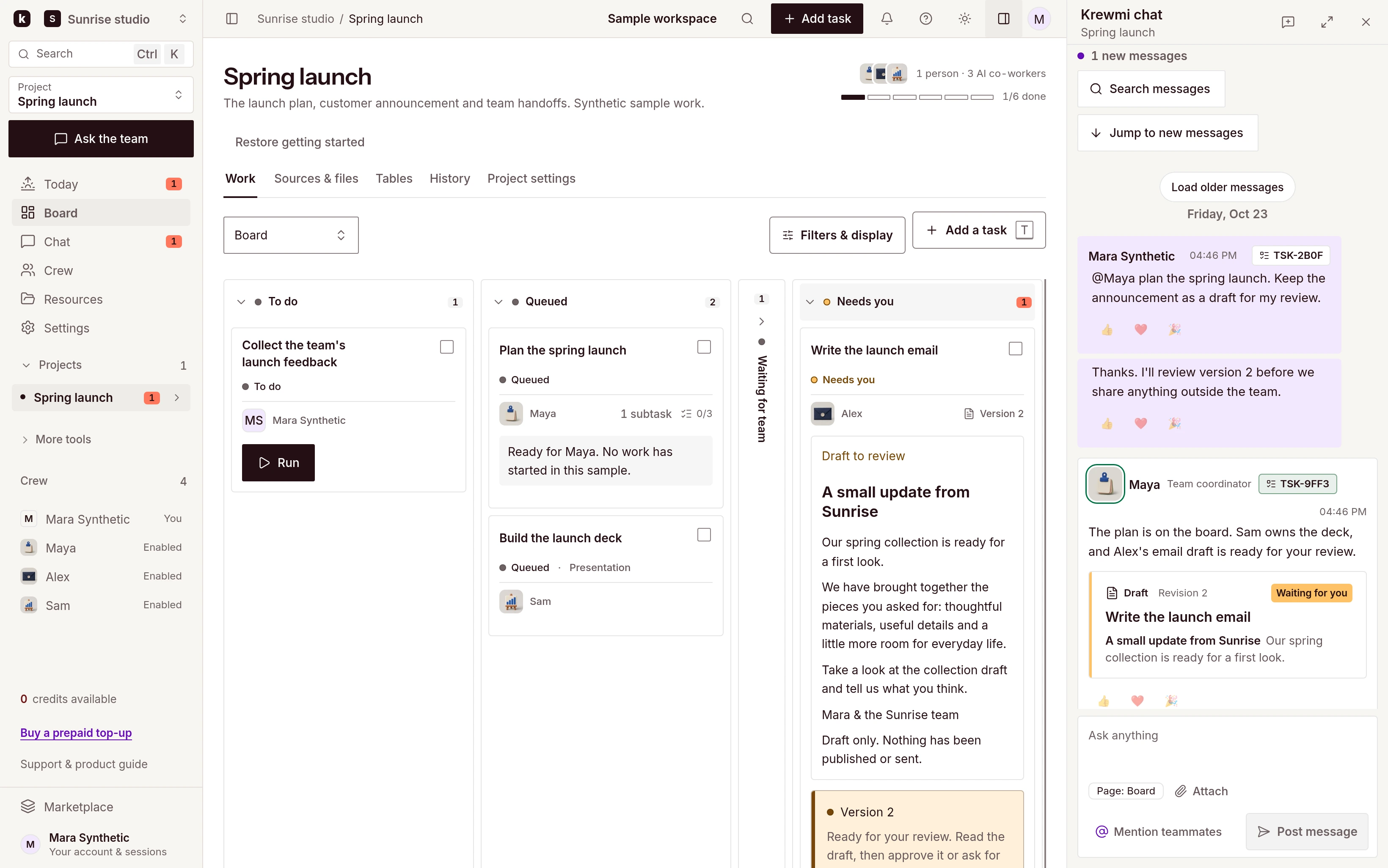
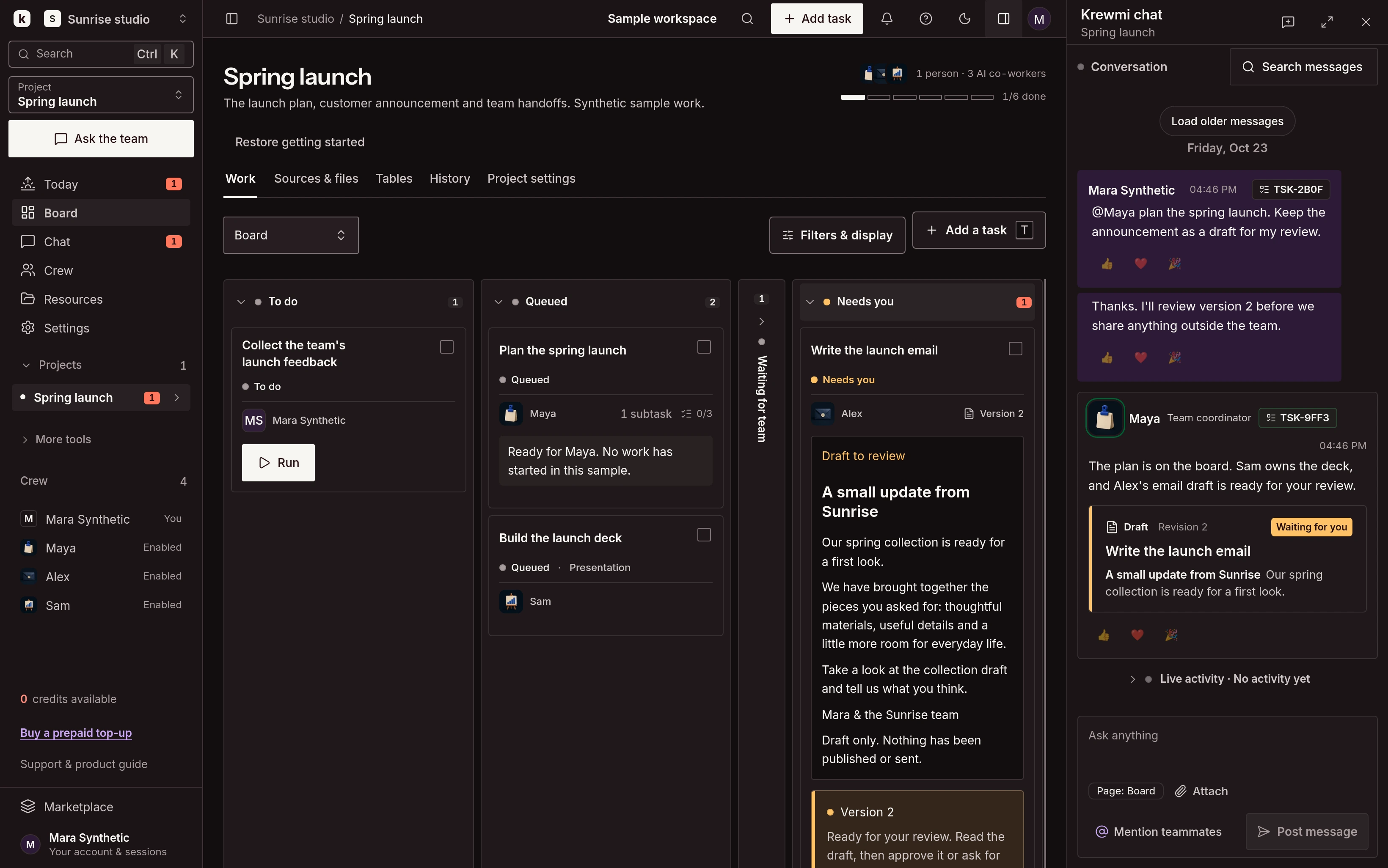
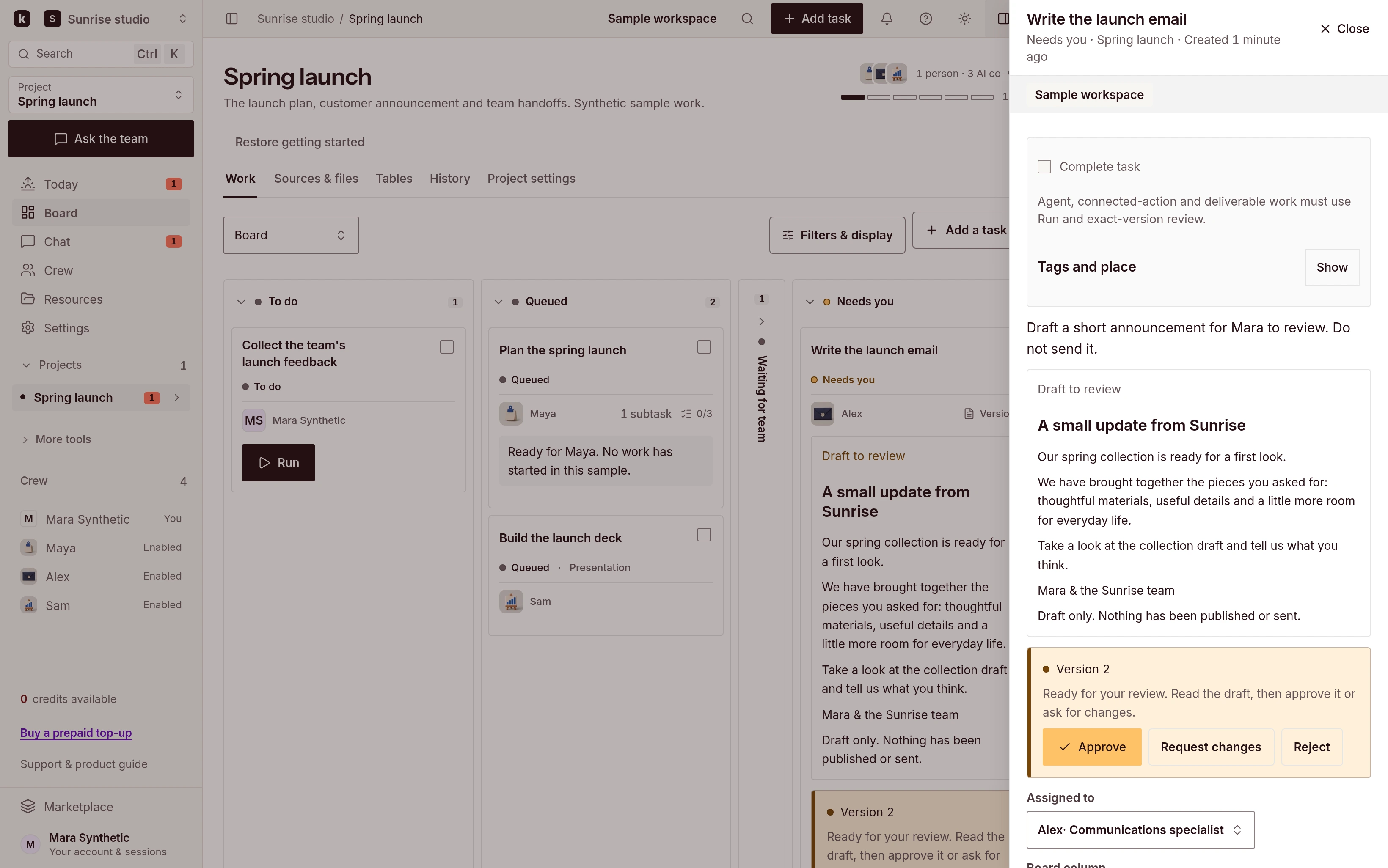
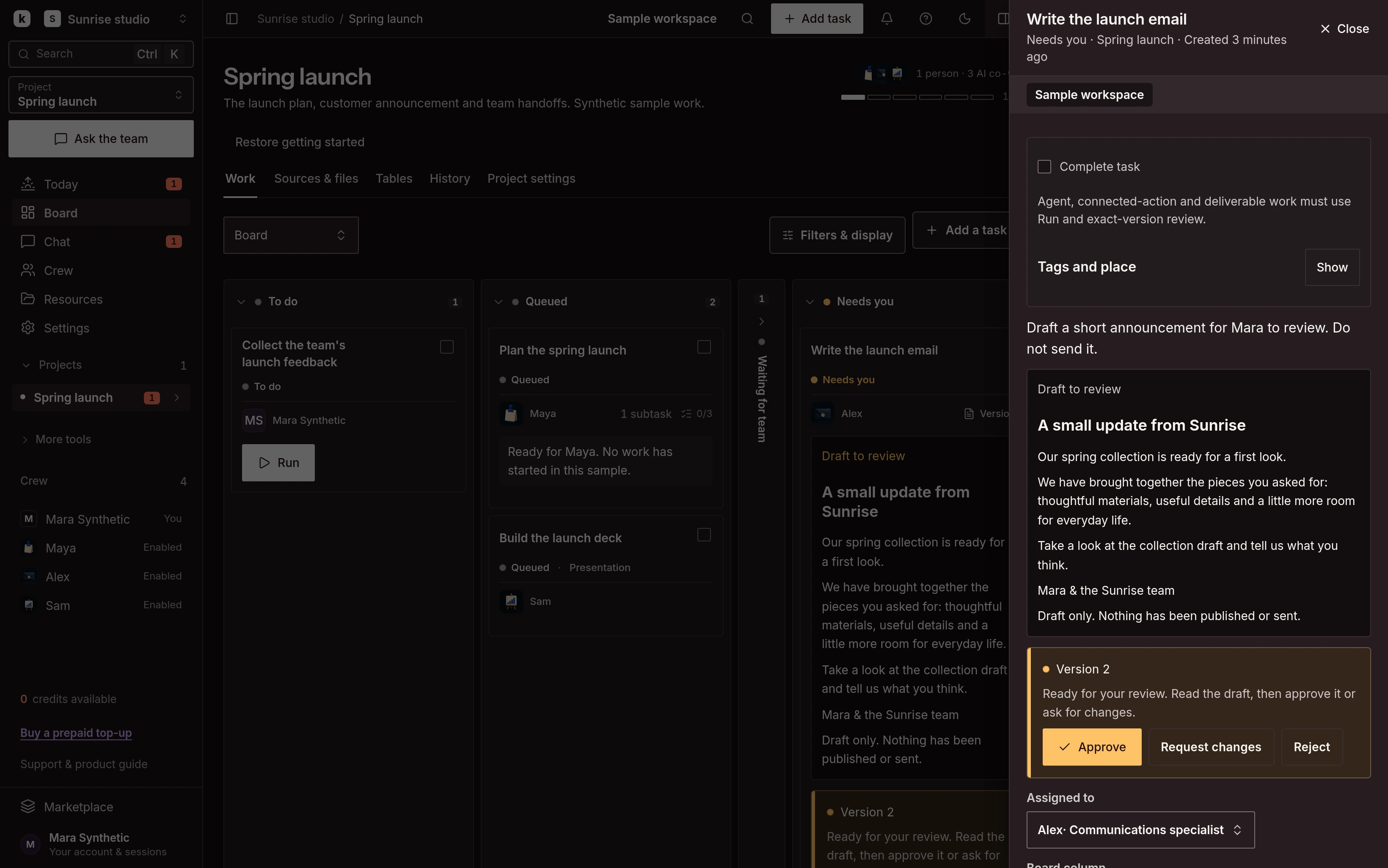
Example workspace and approval screen. Illustrative content, not customer data.
Pilot usage questions.
What does the pilot cost?
Private pilot: paid plans are not open yet, so nobody can be charged.What does the pilot cost?
What happens when the included work runs out?
New runs pause. Saved work, completed results and pending approvals are kept. Ask the operator about additional pilot credits; there are no charges.What happens when the included work runs out?
How is usage measured?
Each agent attempt reserves one work credit before it runs. Provider failures may still use that credit; an explicit retry needs another. Running out of credits doesn’t delete saved results.How is usage measured?
Where do I see what my workspace is using?
Settings and usage show the current plan, credit balance, recent runs, and any capacity hold that is keeping new work queued.Where do I see what my workspace is using?